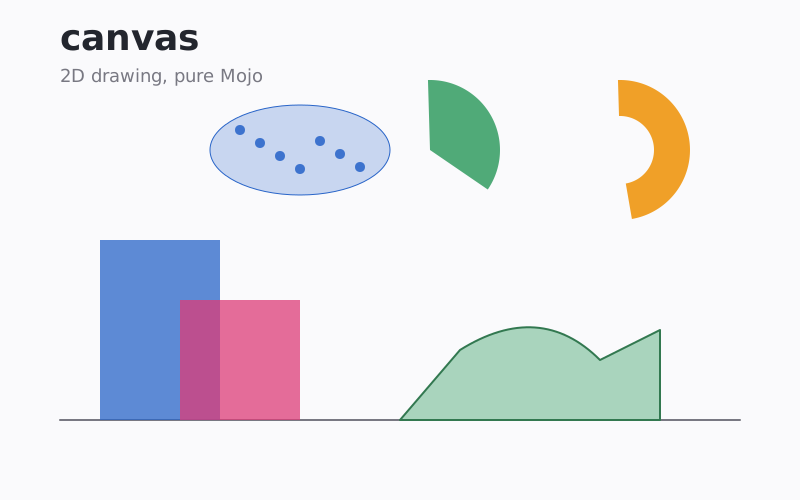
canvas_mojo is a native Mojo 2D drawing library for raster images, SVG, and PDF. It provides shapes, paths, gradients, compositing, transforms, clipping, image decoding, and system-font text without C rendering dependencies.
Use Canvas for pixels, SvgCanvas for SVG markup, or PdfCanvas for
paged PDF output. All three implement DrawTarget, so one drawing
routine can target every backend.
Quickstart
Add the package to your existing project’s pixi.toml. For a complete
configuration, start with Getting Started.
[workspace]
preview = ["pixi-build"]

[dependencies]
canvas_mojo = { git = "https://github.com/randyzwitch/canvas_mojo.git", branch = "main" }
Then create a canvas, draw, and write an image:
from canvas import Canvas, Color, fill_circle_aa, write_png


def main() raises:
    var canvas = Canvas(200, 200, Color(255, 255, 255))
    fill_circle_aa(canvas, 100, 100, 80, Color(40, 100, 200))
    write_png(canvas, "circle.png")
Coordinates start at the top-left, with x increasing right and y
increasing down. Functions ending in _aa draw anti-aliased shapes;
prefer them for normal rendered output.
What it includes
- Lines, rectangles, circles, ellipses, arcs, polygons, and Bezier paths
- Bulk markers and seam-free meshes for scatter and surface plots
- Linear, radial, and conic gradients, plus raster patterns
- Transforms, clipping, masks, blend modes, blur, and shadows
- Text using installed TrueType and OpenType fonts, including color emoji
- PNG and BMP reading and writing, plus baseline and progressive JPEG reading
- A batch that renders a scene across cores, and a supersampled region that anti-aliases without the enlarged buffer
- Raster
Canvas,SvgCanvas, and multipagePdfCanvasbackends
Where to go next
- Getting Started walks from installation to PNG, SVG, and PDF output.
- Guides explains coordinates, shapes, state, transforms, and text.
- Examples shows complete programs beside their rendered output.
- API reference groups the public package by task and links to generated symbol documentation.
- Full package reference contains every generated module and signature.
- Architecture explains the rendering pipeline for contributors.
Every tag has release notes with the measured numbers behind it. The Changelog records what was built and why, and the Backlog what was deliberately not.
Development
pixi run test      # run the test suite
pixi run example   # render the examples
pixi run docs      # rebuild the documentation site
License
MIT — see LICENSE.