Examples
Every example below is a complete, runnable .mojo file in this repo’s own examples/ directory – each page shows the actual source next to its actual rendered output, so you can see exactly what it takes to draw that primitive.
Shapes & lines
The discrete shape primitives – hard-edged and anti-aliased variants side by side.
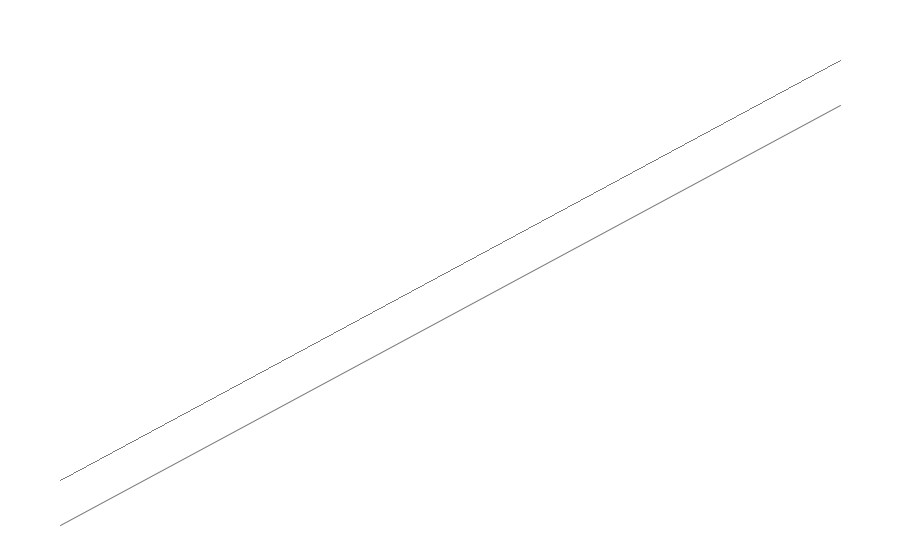 Lines — Compare hard-edged and anti-aliased lines. Lines — Compare hard-edged and anti-aliased lines. |
 Rectangle Stroke — Draw crisp rectangle outlines at several widths. Rectangle Stroke — Draw crisp rectangle outlines at several widths. |
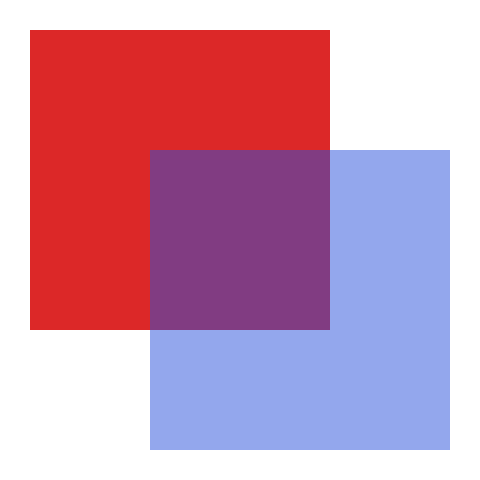 Fill & Blend — Fill rectangles and layer translucent colors. Fill & Blend — Fill rectangles and layer translucent colors. |
 Circles — Compare filled, outlined, hard-edged, and anti-aliased circles. Circles — Compare filled, outlined, hard-edged, and anti-aliased circles. |
 Ellipses — Compare filled, outlined, hard-edged, and anti-aliased ellipses. Ellipses — Compare filled, outlined, hard-edged, and anti-aliased ellipses. |
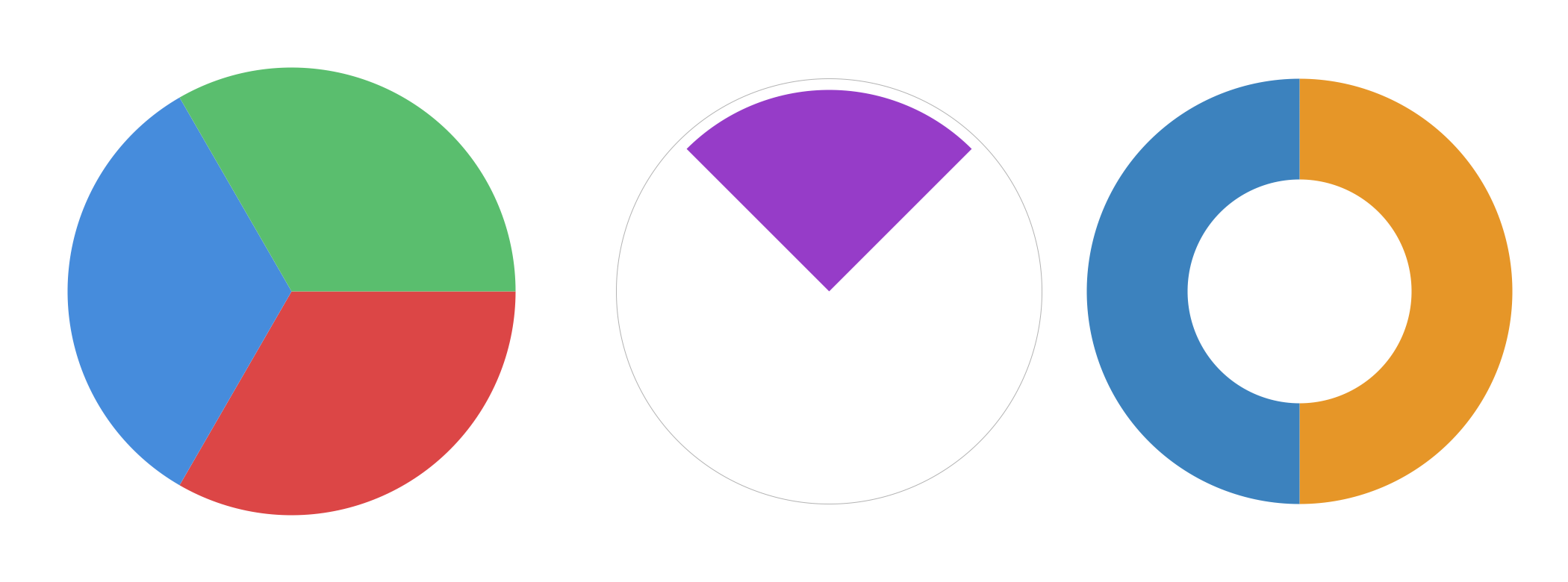 Arcs & Wedges — Draw arcs, wedges, and ring sectors. Arcs & Wedges — Draw arcs, wedges, and ring sectors. |
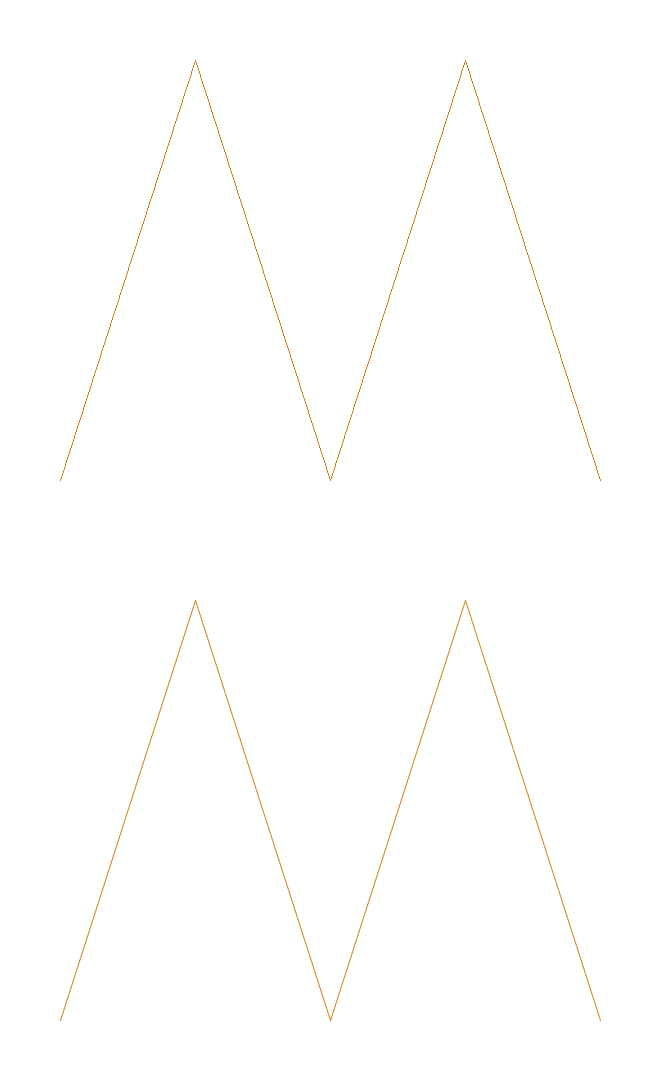 Polylines — Connect several points with hard-edged and anti-aliased lines. Polylines — Connect several points with hard-edged and anti-aliased lines. |
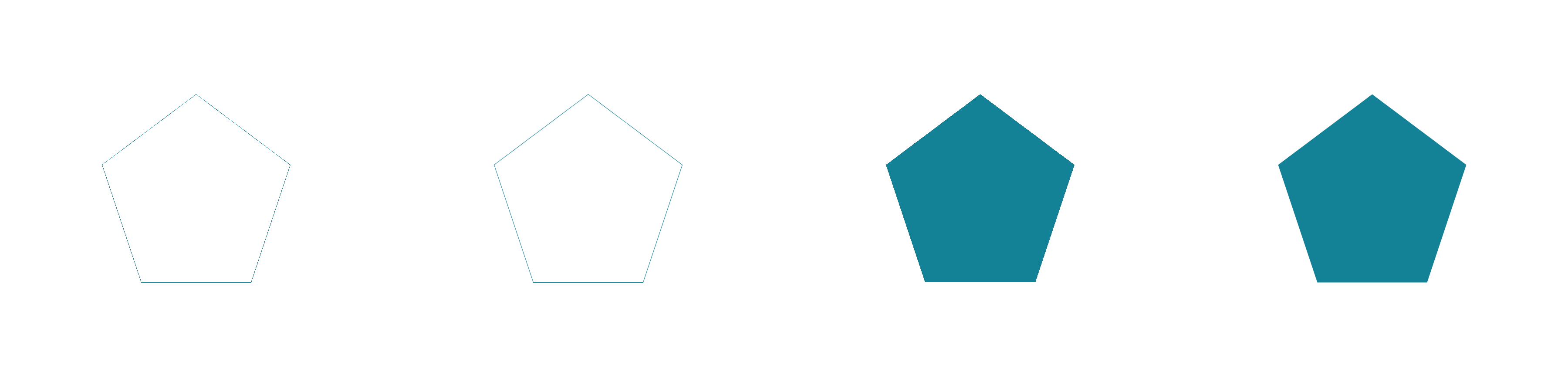 Polygons — Compare polygon outlines and fills with and without anti-aliasing. Polygons — Compare polygon outlines and fills with and without anti-aliasing. |
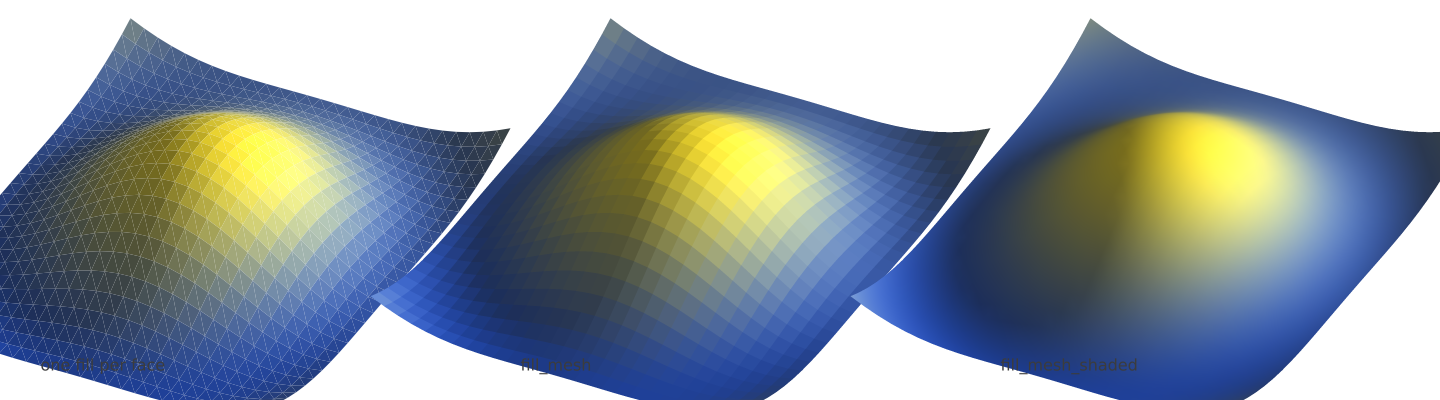 Meshes & Surfaces — Draw a surface’s faces as one seam-free shape, beside the same faces filled one at a time. Meshes & Surfaces — Draw a surface’s faces as one seam-free shape, beside the same faces filled one at a time. |
Paths & fills
The general Path API – Bezier curves, multi-sub-path fill rules, and gradient fills.
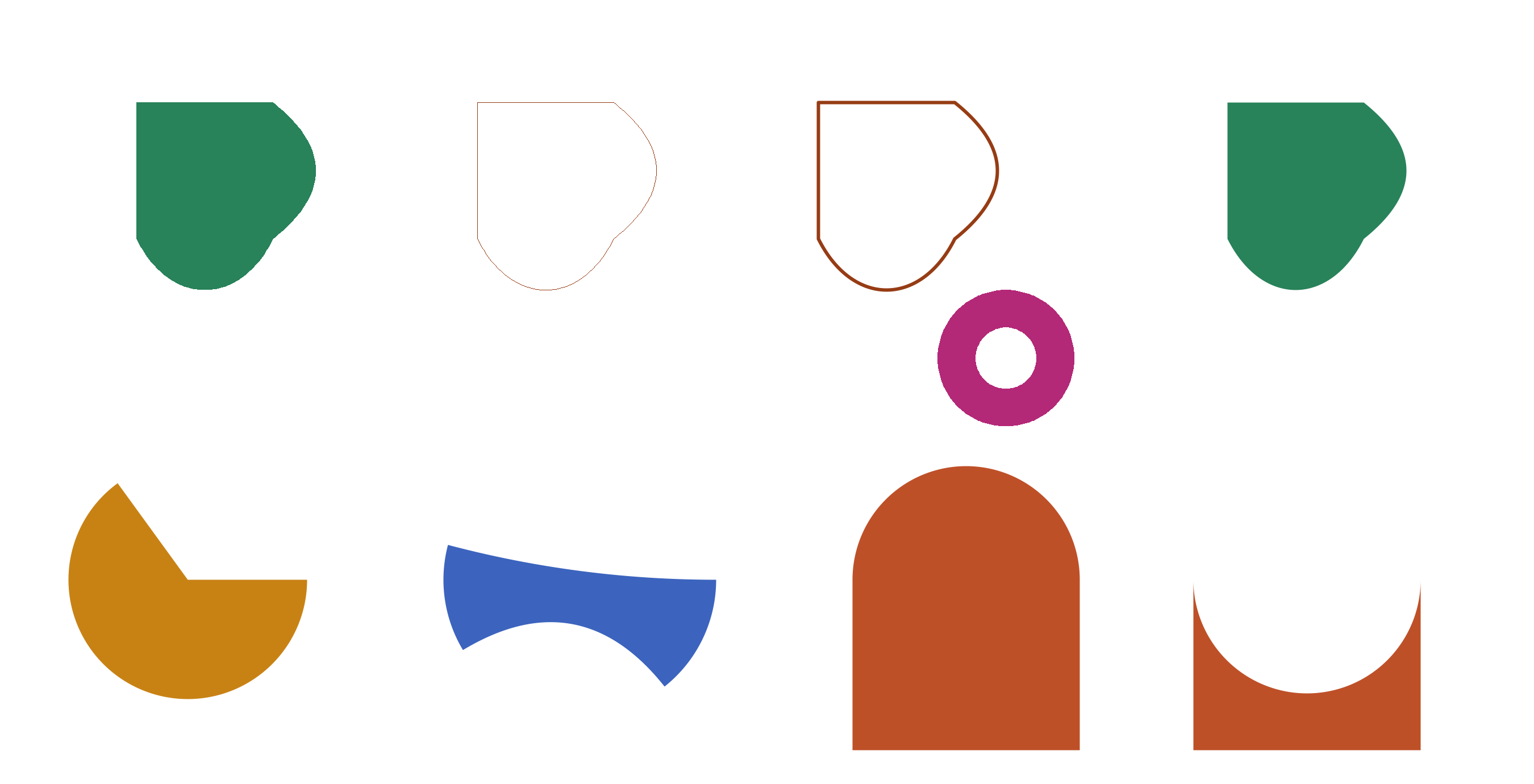 Paths — Build and fill a multi-subpath shape with lines and Bezier curves. Paths — Build and fill a multi-subpath shape with lines and Bezier curves. |
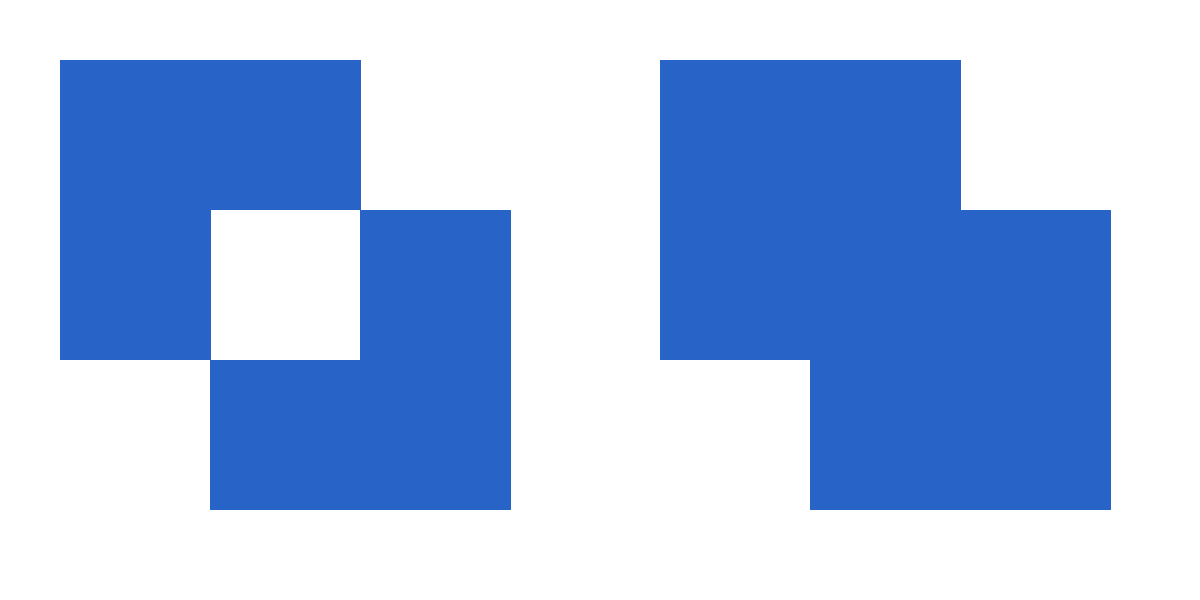 Fill Rules — Compare even-odd and nonzero filling on one path. Fill Rules — Compare even-odd and nonzero filling on one path. |
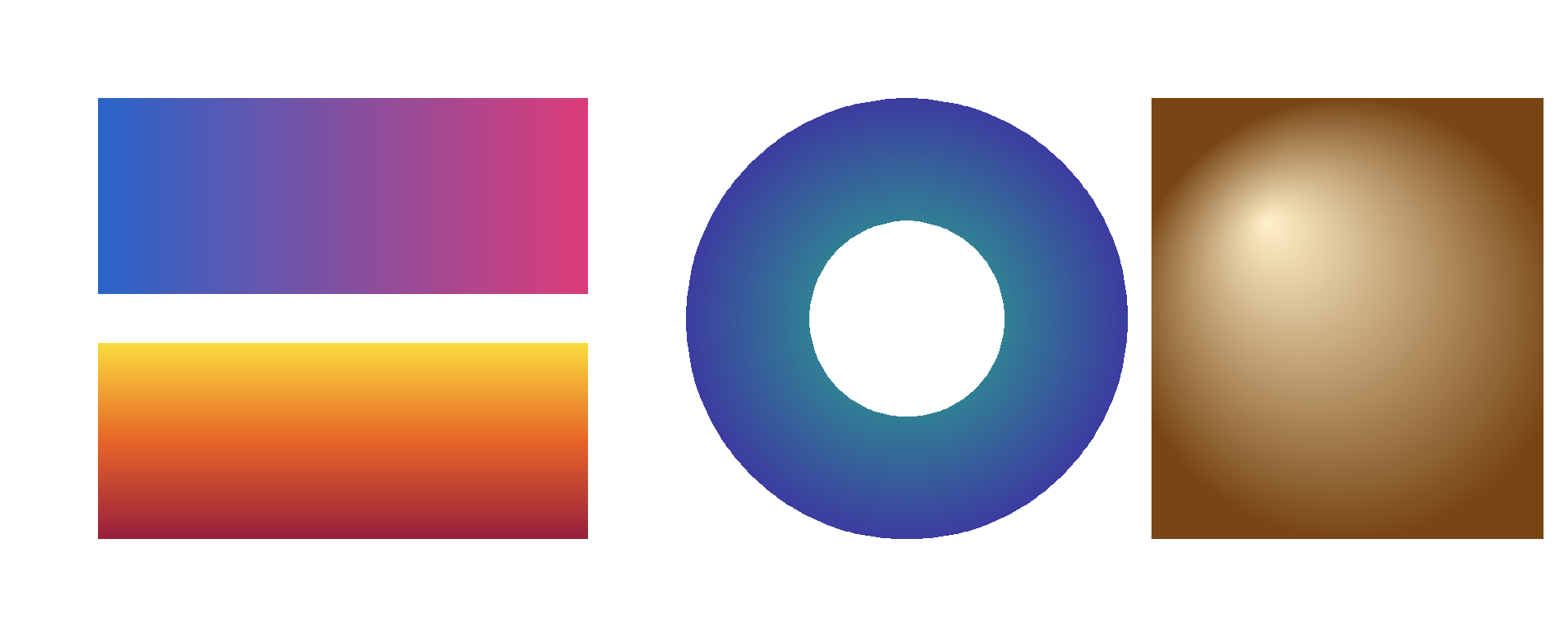 Gradients — Apply linear and radial gradients to rectangles and paths. Gradients — Apply linear and radial gradients to rectangles and paths. |
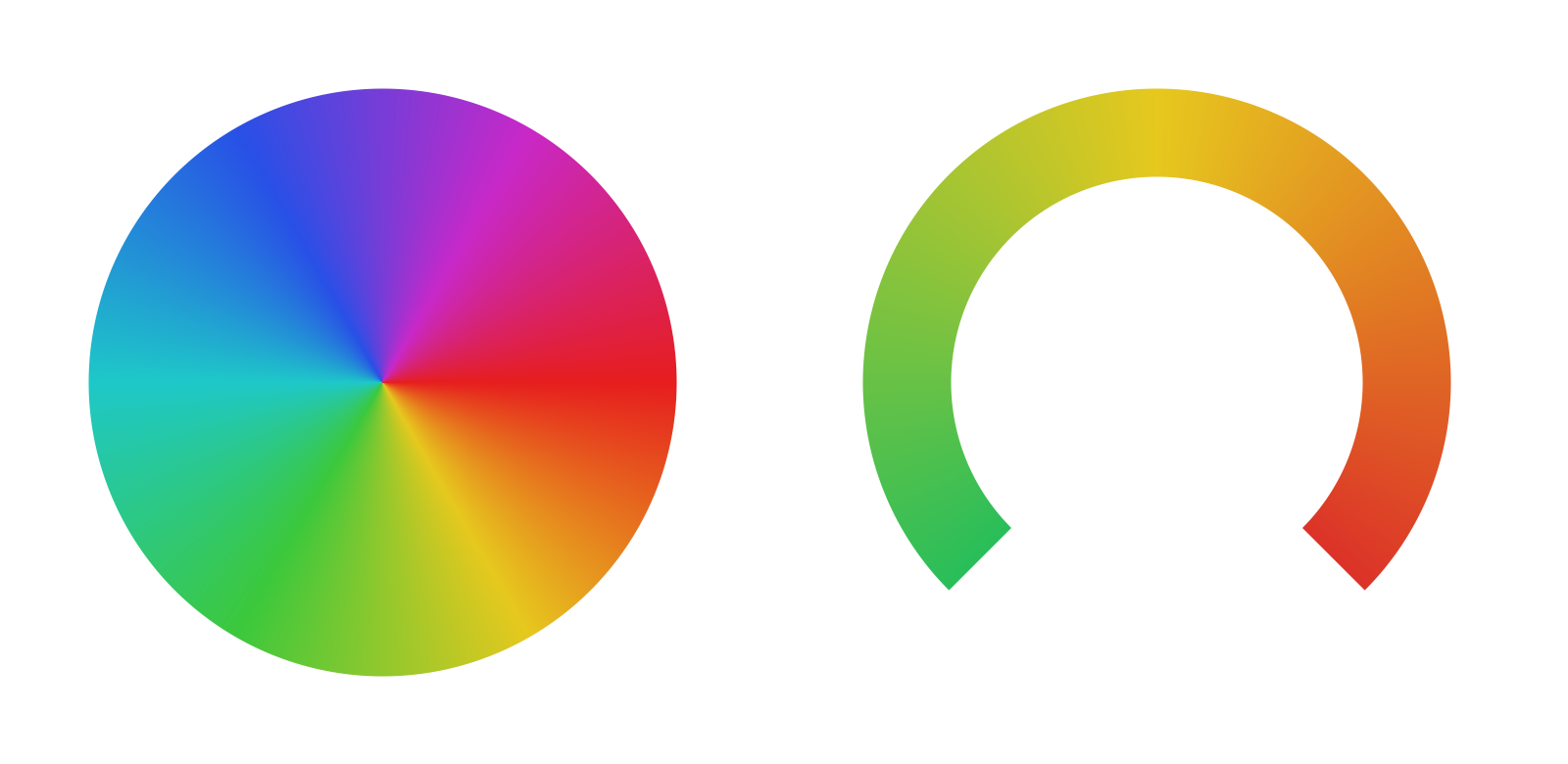 Conic Gradients — Sweep colors around a center with conic gradients. Conic Gradients — Sweep colors around a center with conic gradients. |
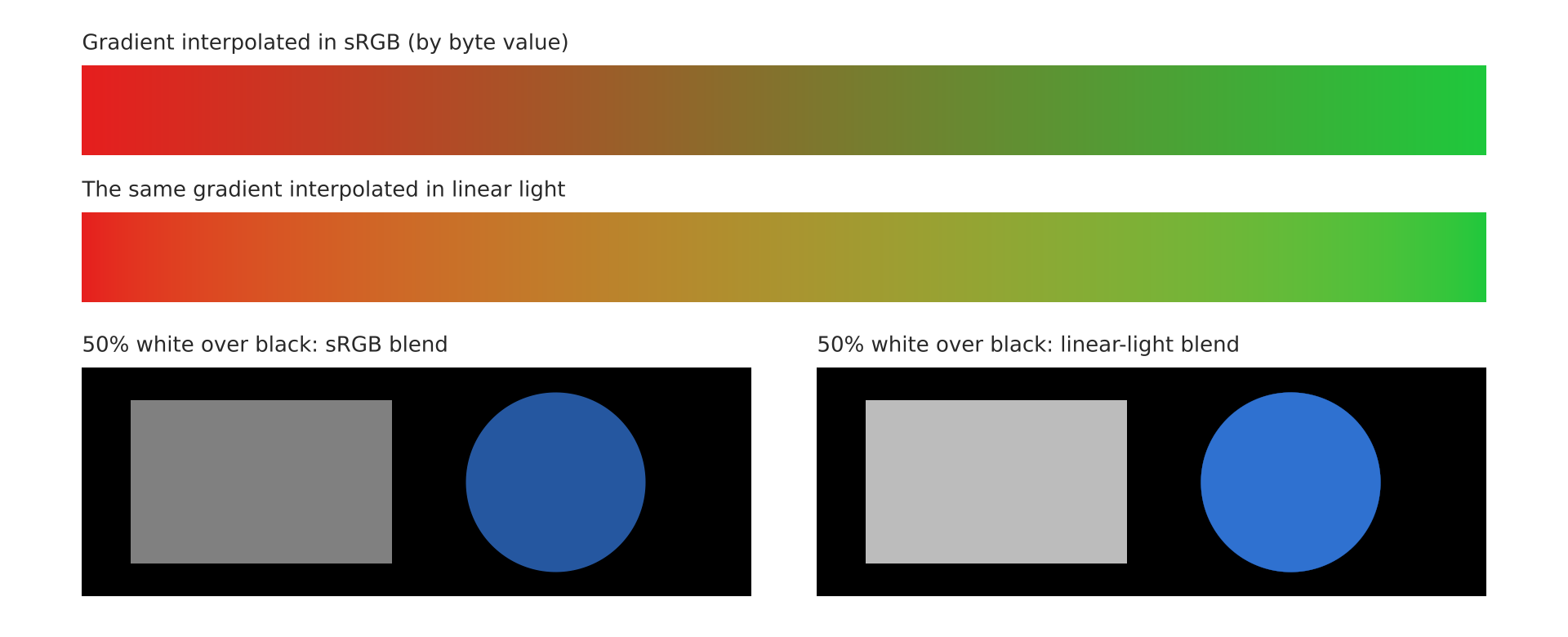 Linear-Light Color — Compare sRGB and linear-light interpolation and blending. Linear-Light Color — Compare sRGB and linear-light interpolation and blending. |
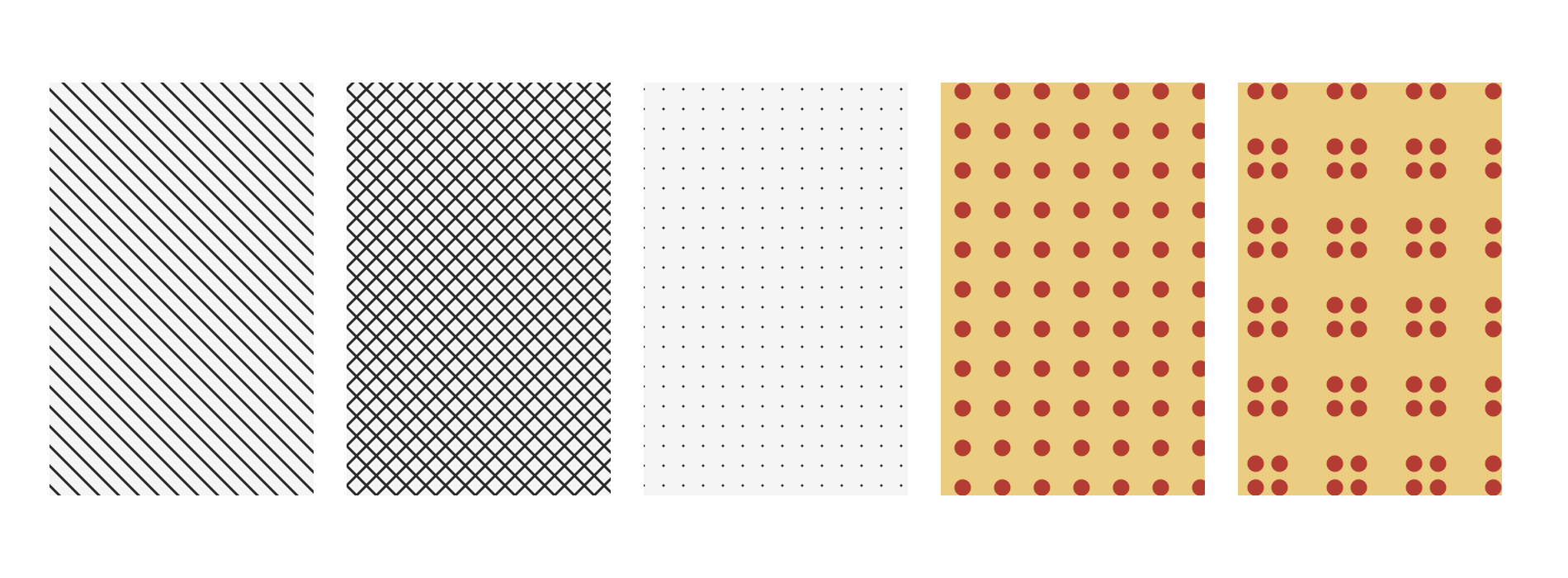 Pattern Fills — Fill geometry from a repeating canvas pattern. Pattern Fills — Fill geometry from a repeating canvas pattern. |
Style
Control strokes, compositing, and effects independently of geometry.
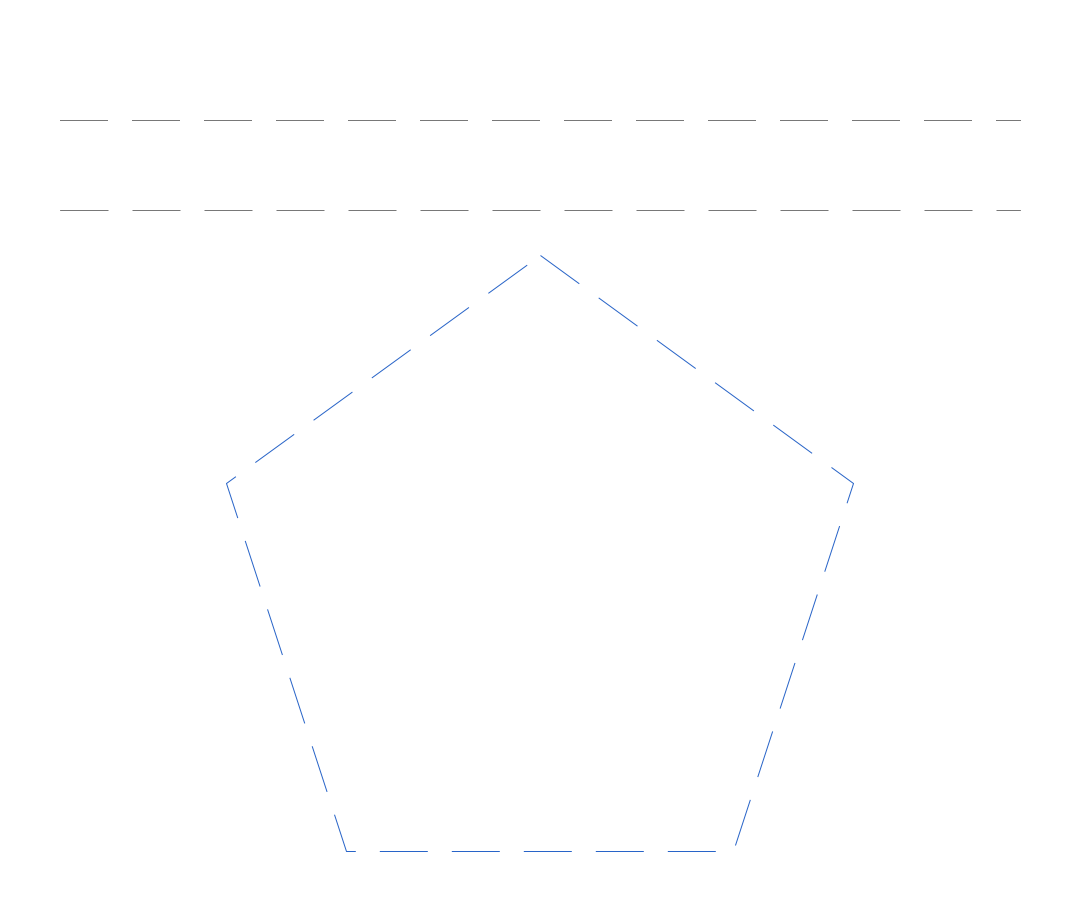 Dashes — Apply dash patterns to lines and polygon outlines. Dashes — Apply dash patterns to lines and polygon outlines. |
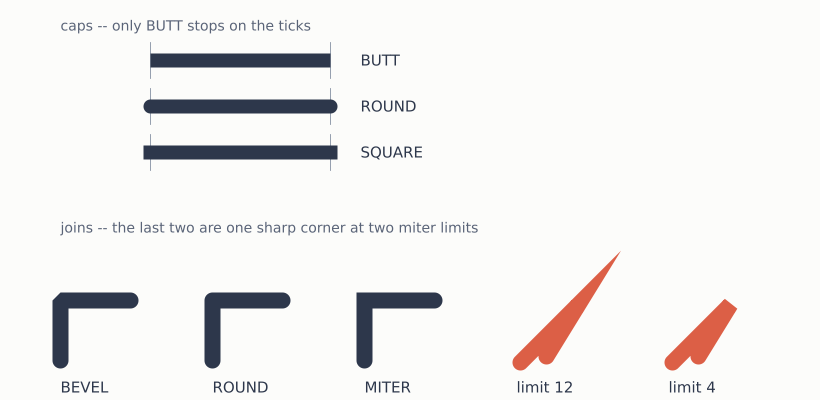 Caps & Joins — Compare stroke caps, joins, and miter limits. Caps & Joins — Compare stroke caps, joins, and miter limits. |
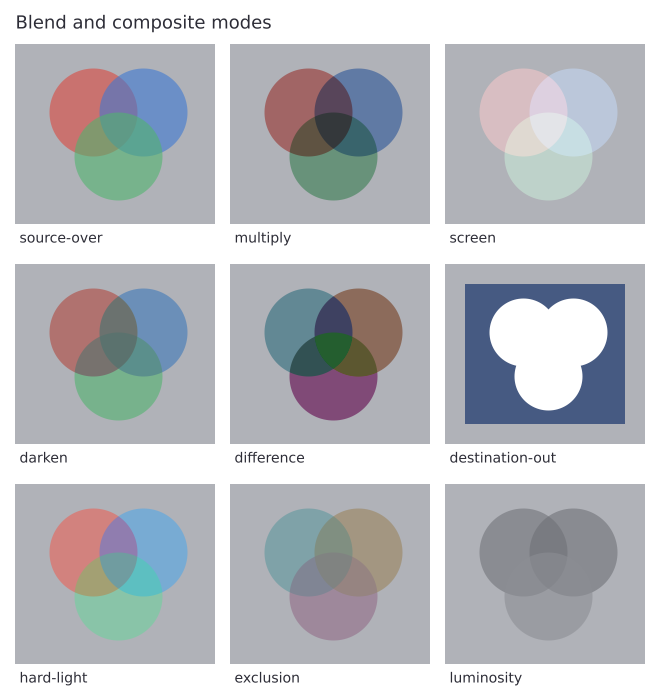 Blend & Composite Modes — Compare blend and Porter-Duff composite modes. Blend & Composite Modes — Compare blend and Porter-Duff composite modes. |
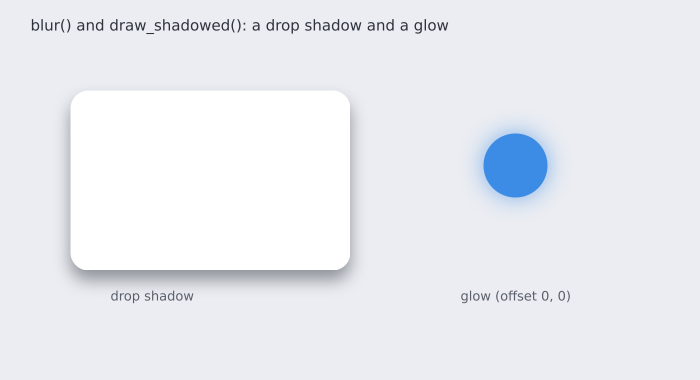 Shadows & Blur — Blur pixels and draw a reusable shadowed shape. Shadows & Blur — Blur pixels and draw a reusable shadowed shape. |
Transforms & composition
Move between coordinate spaces, preserve drawing state, clip content, and compose canvases.
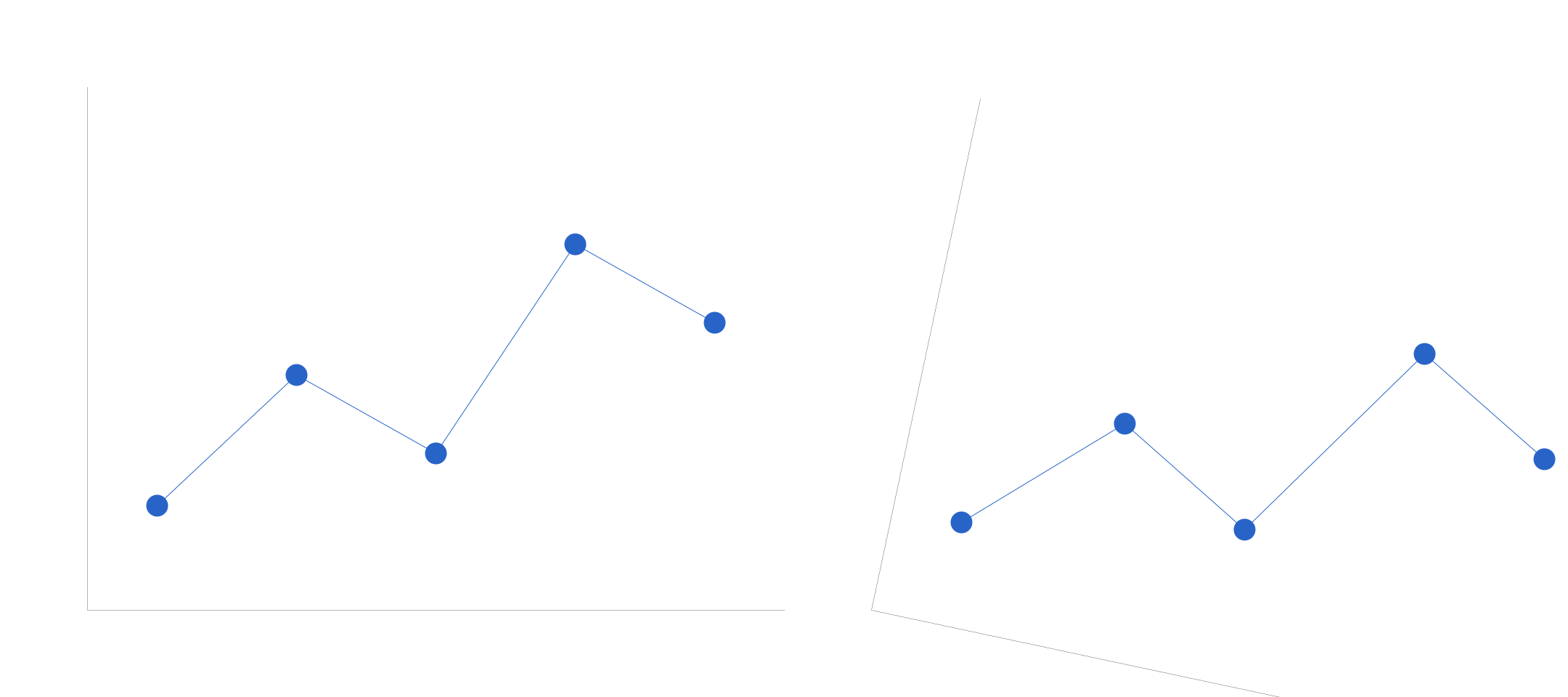 Transforms — Map data coordinates into a translated and rotated pixel frame. Transforms — Map data coordinates into a translated and rotated pixel frame. |
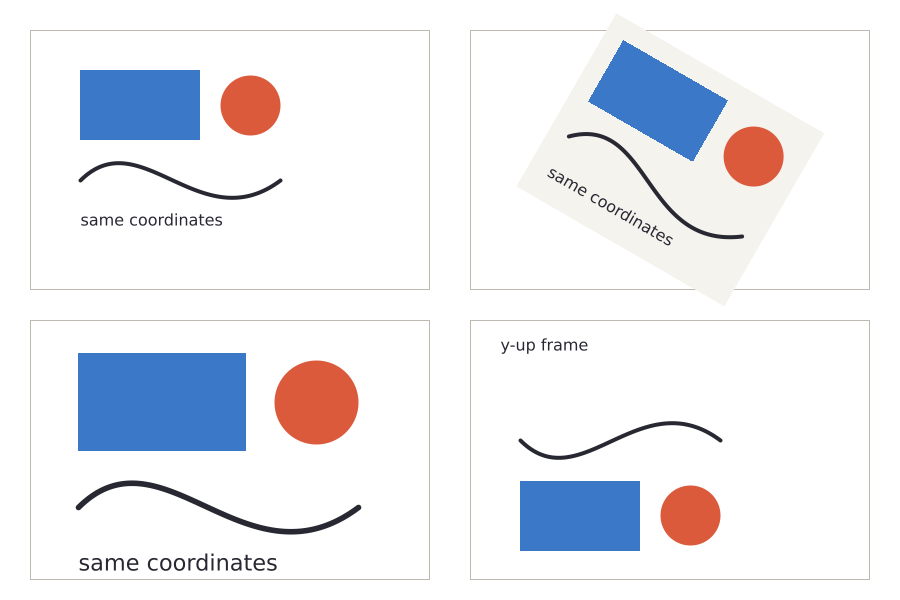 Canvas Transform State — Compose transforms with Canvas save and restore state. Canvas Transform State — Compose transforms with Canvas save and restore state. |
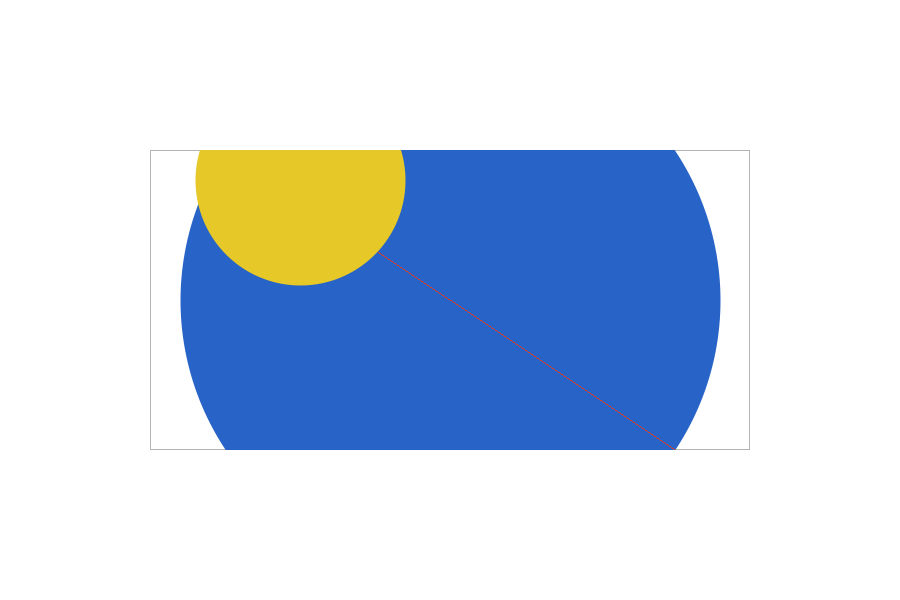 Clipping — Restrict drawing to stacked rectangular clip regions. Clipping — Restrict drawing to stacked rectangular clip regions. |
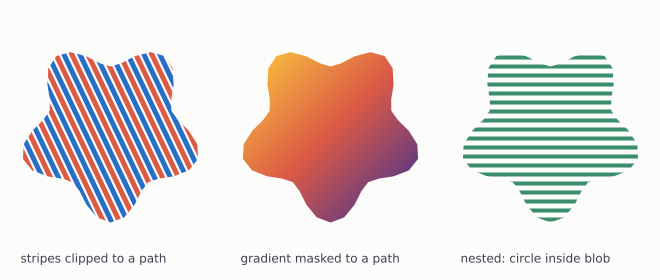 Clipping to a Path — Restrict drawing to an arbitrary path. Clipping to a Path — Restrict drawing to an arbitrary path. |
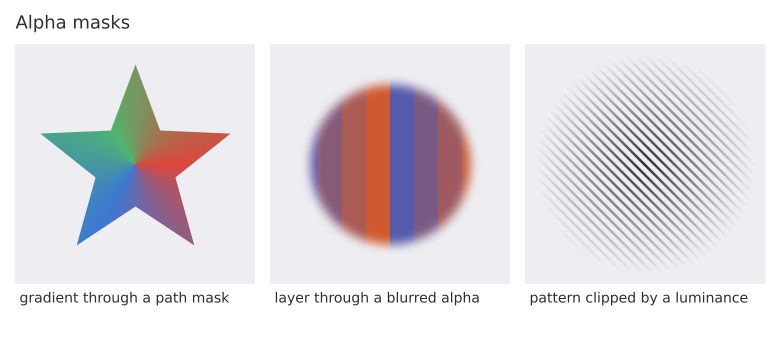 Alpha Masks — Control per-pixel coverage with alpha masks. Alpha Masks — Control per-pixel coverage with alpha masks. |
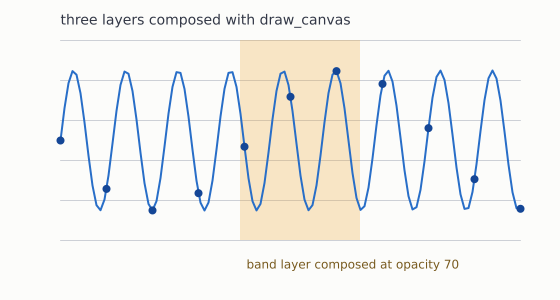 Layers & Compositing — Compose independently rendered canvases into one image. Layers & Compositing — Compose independently rendered canvases into one image. |
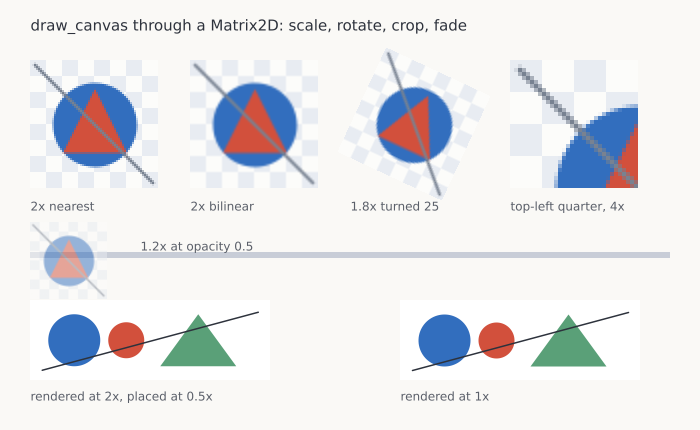 Drawing a Canvas Scaled & Rotated — Place a scaled and rotated canvas through a matrix. Drawing a Canvas Scaled & Rotated — Place a scaled and rotated canvas through a matrix. |
Text
Real system-font text rendering – native font matching, TrueType parsing, bidi, text along a curve, and outlined glyphs.
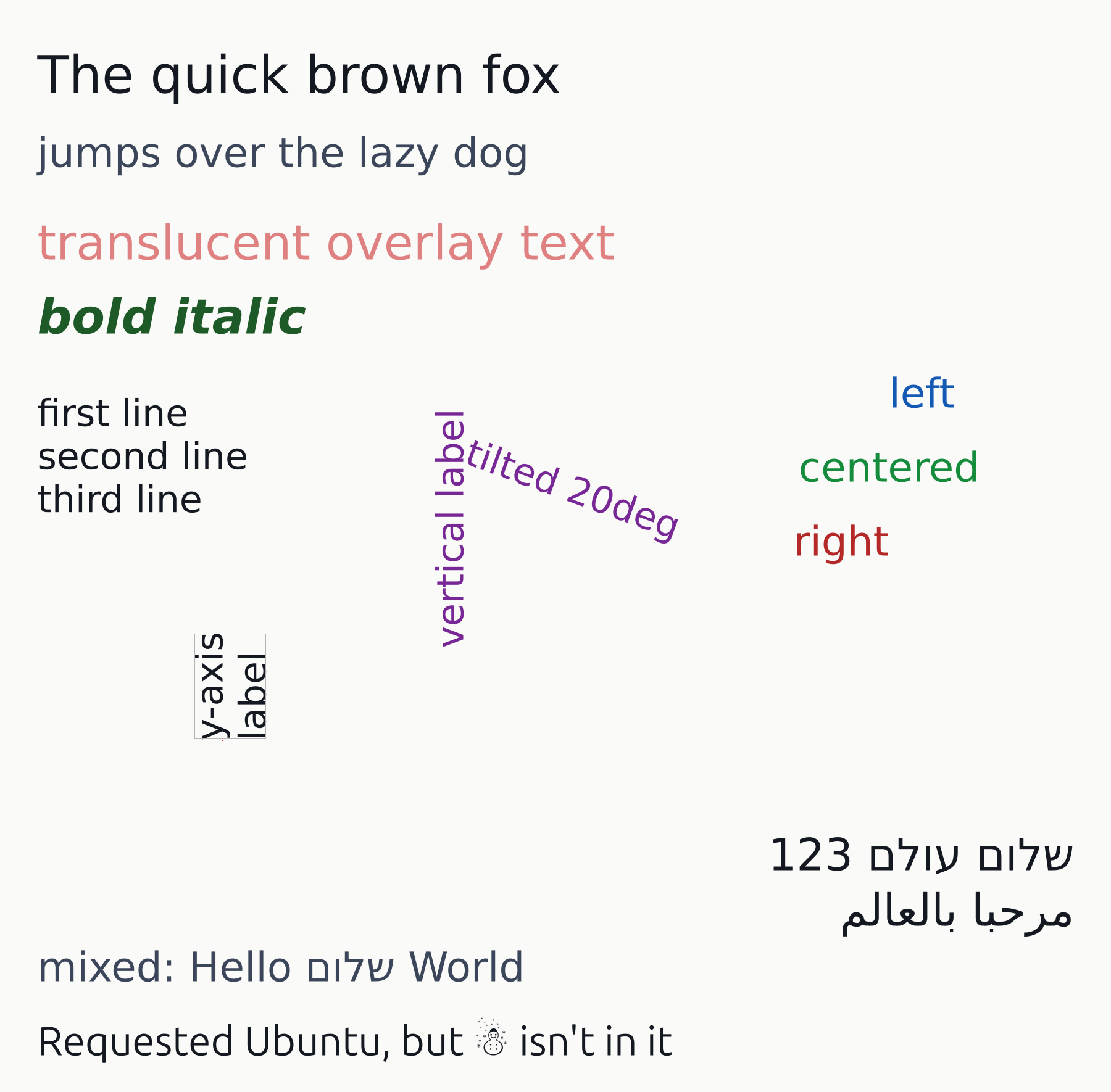 Text — Render aligned and rotated text from system fonts. Text — Render aligned and rotated text from system fonts. |
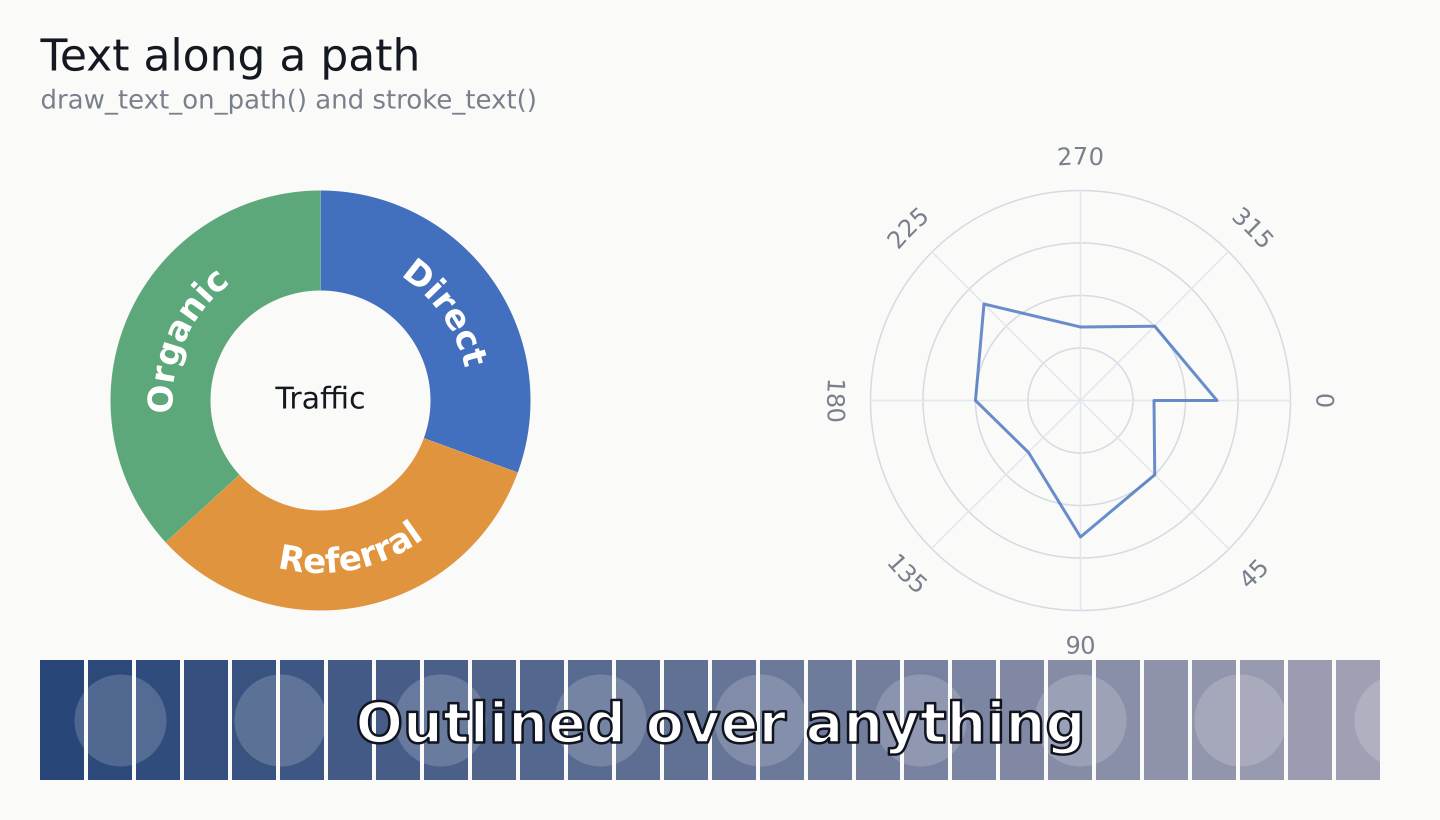 Text on a Path & Stroked Text — Place text along a curve and draw outlined glyphs. Text on a Path & Stroked Text — Place text along a curve and draw outlined glyphs. |
Image I/O
Writing (and reading back) the pixel buffer as a real image file, and which format can carry an alpha channel.
 PNG I/O — Write a PNG and read its pixels back. PNG I/O — Write a PNG and read its pixels back. |
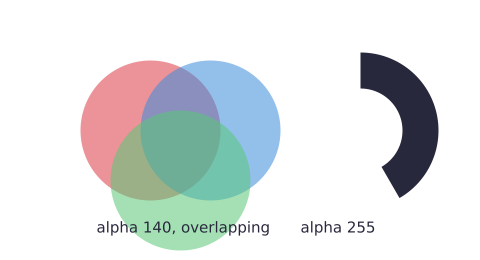 Transparency — Preserve a transparent background in PNG output. Transparency — Preserve a transparent background in PNG output. |
Vector output
One drawing routine written against the DrawTarget trait, rendered through both the raster and vector backends.
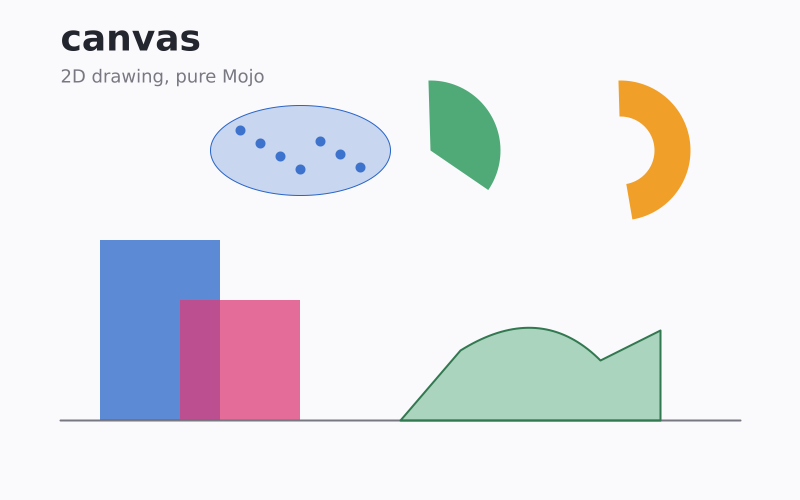 Vector Output — Render one DrawTarget routine to PNG, SVG, and PDF. Vector Output — Render one DrawTarget routine to PNG, SVG, and PDF. |